Best laser engraving software
Explore the essential laser engraving software options that can enhance your project's quality and efficiency.
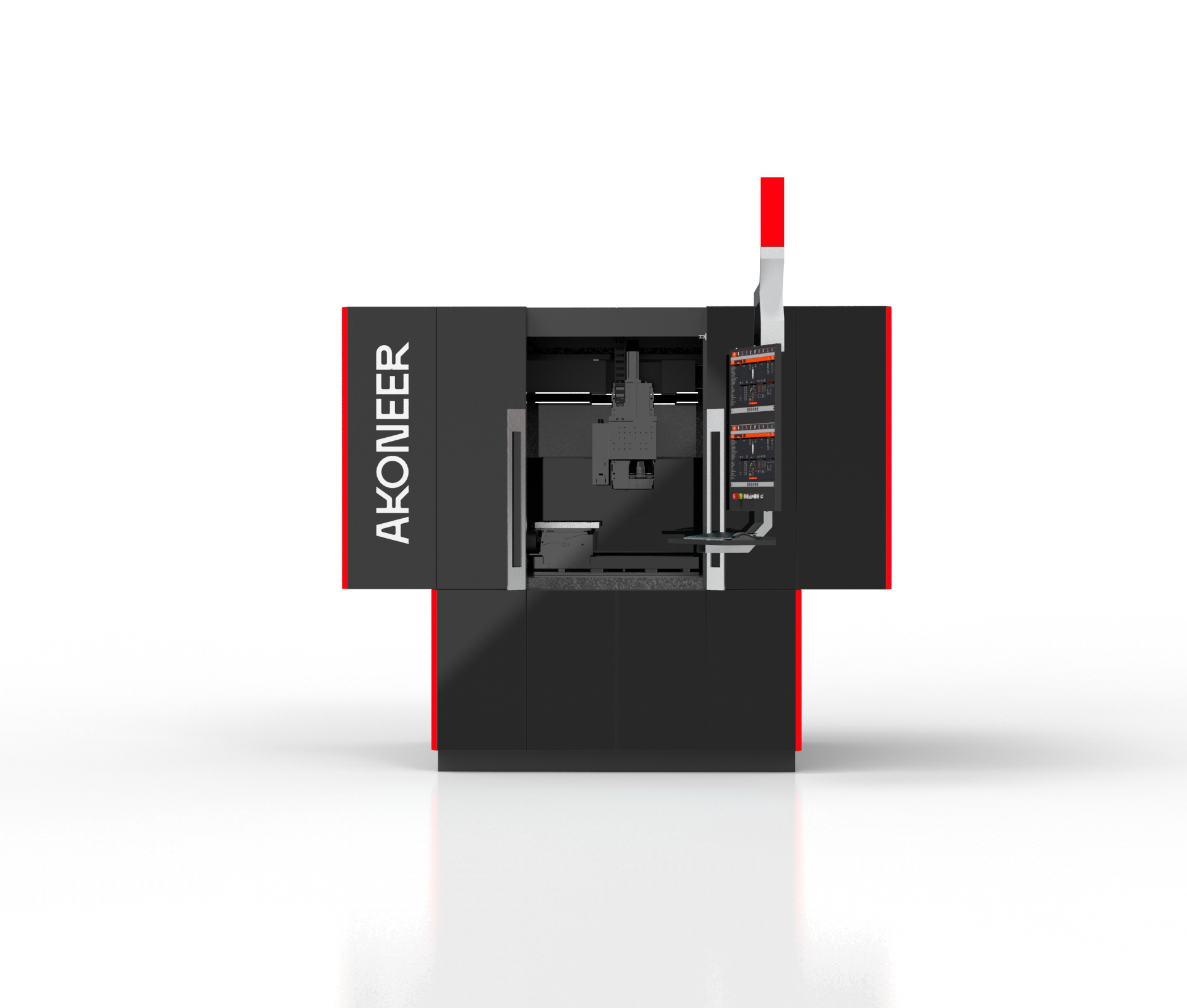
The world of laser engraving has rapidly evolved over recent years, driven by technological advancements and the increasing popularity of personalized products. At the heart of this evolution is the software that powers laser engraving machines. Choosing the right software can significantly affect the quality, efficiency, and scope of your engraving projects. This article explores the best laser engraving software currently available, examining their features, benefits, and what makes them stand out in the industry.
Understanding the role of laser engraving software
Laser engraving software is crucial to the engraving process, acting as the bridge between your creative design and the physical engraving on the material. The software determines how your design will be translated onto the material, dictating the speed, power, and precision of the engraving process. It enables operators to create detailed designs, adjust settings for different materials, and control the laser machine's movements with precision. The right software can optimize workflow, reduce errors, and enhance the final product's quality.
Key features of top laser engraving software
When evaluating laser engraving software, certain features are vital. Compatibility with various file formats allows users to import designs from different graphic design programs. Ease of use is essential, especially for beginners who need intuitive interfaces and user-friendly controls. Advanced features such as vector editing tools, 3D engraving capabilities, and material libraries can significantly enhance functionality. Additionally, support for different operating systems and integration with various laser machines is a practical consideration.
LightBurn: A comprehensive solution
LightBurn is a popular choice among laser engraving enthusiasts and professionals. Known for its versatility, LightBurn supports a wide range of laser machines and offers compatibility with Windows, macOS, and Linux operating systems. It provides a comprehensive suite of tools for creating, importing, and editing vector graphics. Advanced features such as node editing, offsetting, and Boolean operations allow for intricate design manipulation. LightBurn also includes a robust material library, enabling users to save and easily access settings for different materials, enhancing efficiency and consistency in production. For instance, a furniture company using LightBurn improved its engraving precision to ±0.02 mm, significantly reducing material waste.
CorelDRAW: A design powerhouse
CorelDRAW is a well-established graphic design software that also serves as a powerful tool for laser engraving. While not specifically designed for laser operations, its vast array of design features makes it a favorite among engravers who require detailed and complex designs. CorelDRAW supports a wide range of file formats and offers advanced vector editing capabilities. Its precision and control over design elements are unmatched, making it ideal for detailed and elaborate engraving projects. Users can also integrate CorelDRAW with various laser cutters through third-party plugins, expanding its functionality for laser applications.
Adobe Illustrator: The industry standard
Adobe Illustrator is another industry-standard graphic design software widely used for laser engraving projects. Its robust design capabilities offer users an unparalleled level of detail and precision, making it suitable for complex and intricate designs. Illustrator supports many file formats, ensuring compatibility with various laser engraving software and machines. With its extensive vector editing tools, users can create and manipulate designs with ease. Like CorelDRAW, Adobe Illustrator can be integrated with laser engravers using plugins or additional software, making it a versatile choice for those who need advanced design capabilities.
RDWorks: A cost-effective option
For those seeking a cost-effective solution, RDWorks is widely used software that balances functionality and affordability. Designed specifically for use with Ruida controllers, RDWorks is compatible with many laser engraving machines. It includes basic design and editing tools and supports various file formats. While it may lack some of the advanced features found in more premium software, RDWorks provides a solid foundation for those new to laser engraving or working with budget constraints. Its straightforward interface and easy-to-navigate controls make it accessible for beginners.
LaserGRBL: The open-source advantage
LaserGRBL is open-source software popular among hobbyists and DIY enthusiasts. It is designed specifically for GRBL-based laser engravers and is known for its simplicity and efficiency. Although it does not offer the advanced features of commercial software, LaserGRBL supports various file formats and includes basic design and editing tools. Its open-source nature allows for customization and community-driven improvements, making it a flexible option for those who enjoy tinkering with their tools. LaserGRBL is particularly appealing to those who are cost-conscious, as it is available for free.
Choosing the right software for your needs
Selecting the best laser engraving software depends on your specific requirements and budget. Professionals and businesses may prioritize advanced features, compatibility, and support, while hobbyists might focus on cost-effectiveness and ease of use. Understanding the capabilities and limitations of each software can help guide your decision. Whether you are looking for intricate design capabilities, cost-effectiveness, or open-source flexibility, there is a laser engraving software that meets your needs. The choice of software can have a significant impact on your laser engraving projects. By investing time in selecting the right software, you can enhance the quality of your work, streamline your workflow, and unlock new creative possibilities.